
Poltergeist
Poltergeist came out of Mistral AI Connected, an in-person hackathon in New York. We built it as a team of two over a day and a half. I worked on the design and frontend and vibe-coded the product experience, while my teammate handled the backend.
Poltergeist is an adversarial agent for finding real-world failures in vision-language models. It applies physically plausible image edits, runs experiments against the model, and surfaces the cases where the model breaks. Those failures can then be fed back into fine-tuning to make the model more robust.
In document workflows, those edits might be stains, creases, blur, compression, or occlusion. The same approach also works for other VLM tasks, like reading nutrition labels or broader world understanding, anywhere realistic visual degradation can expose weak spots before deployment.
Open the live demo (best viewed on desktop).
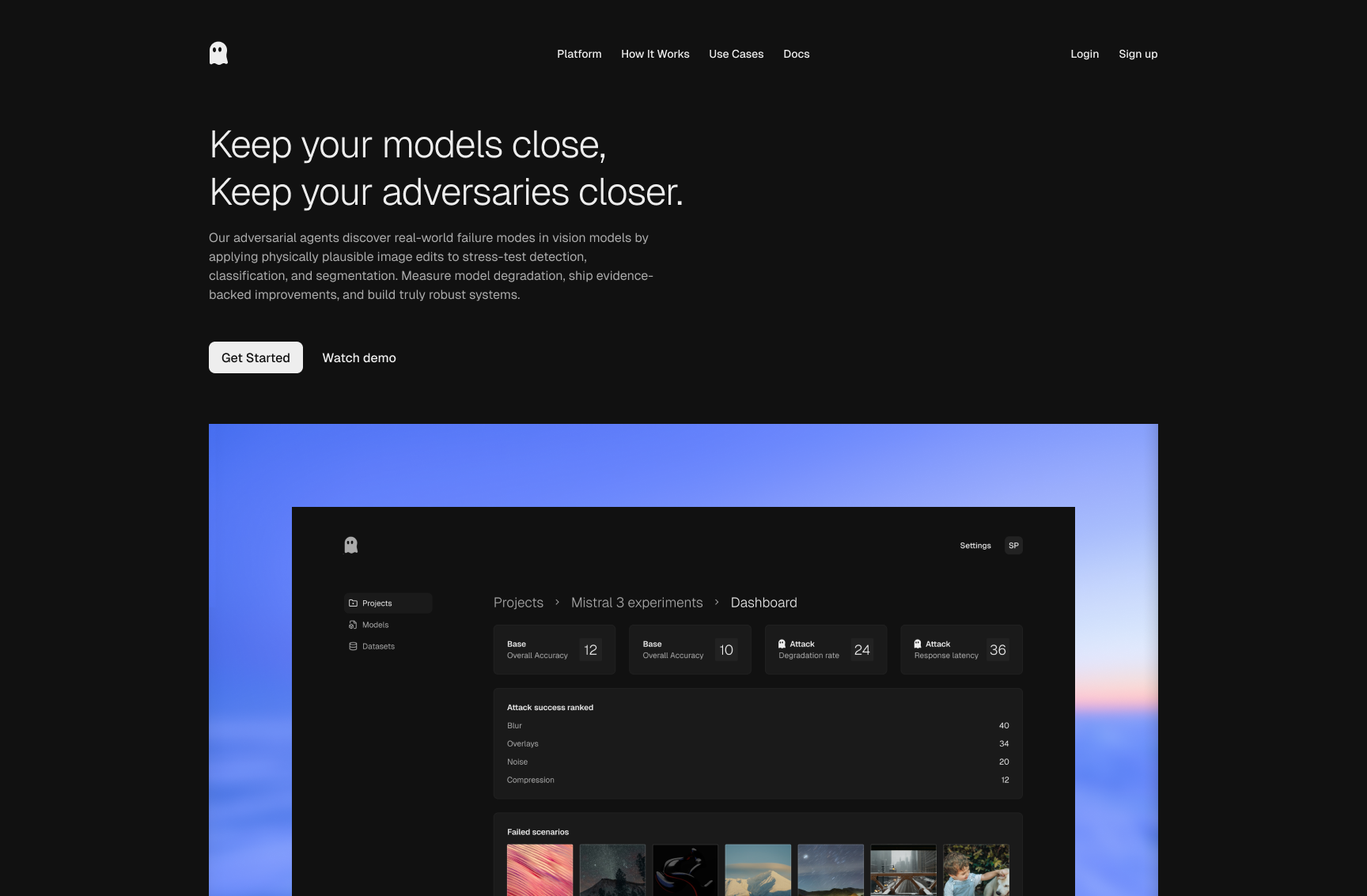
Landing screen
The landing page sets context quickly: why vision models break in the
real world and why realistic adversarial testing matters. The call-to-action
and hero preview help non-ML stakeholders understand the product in one
glance.
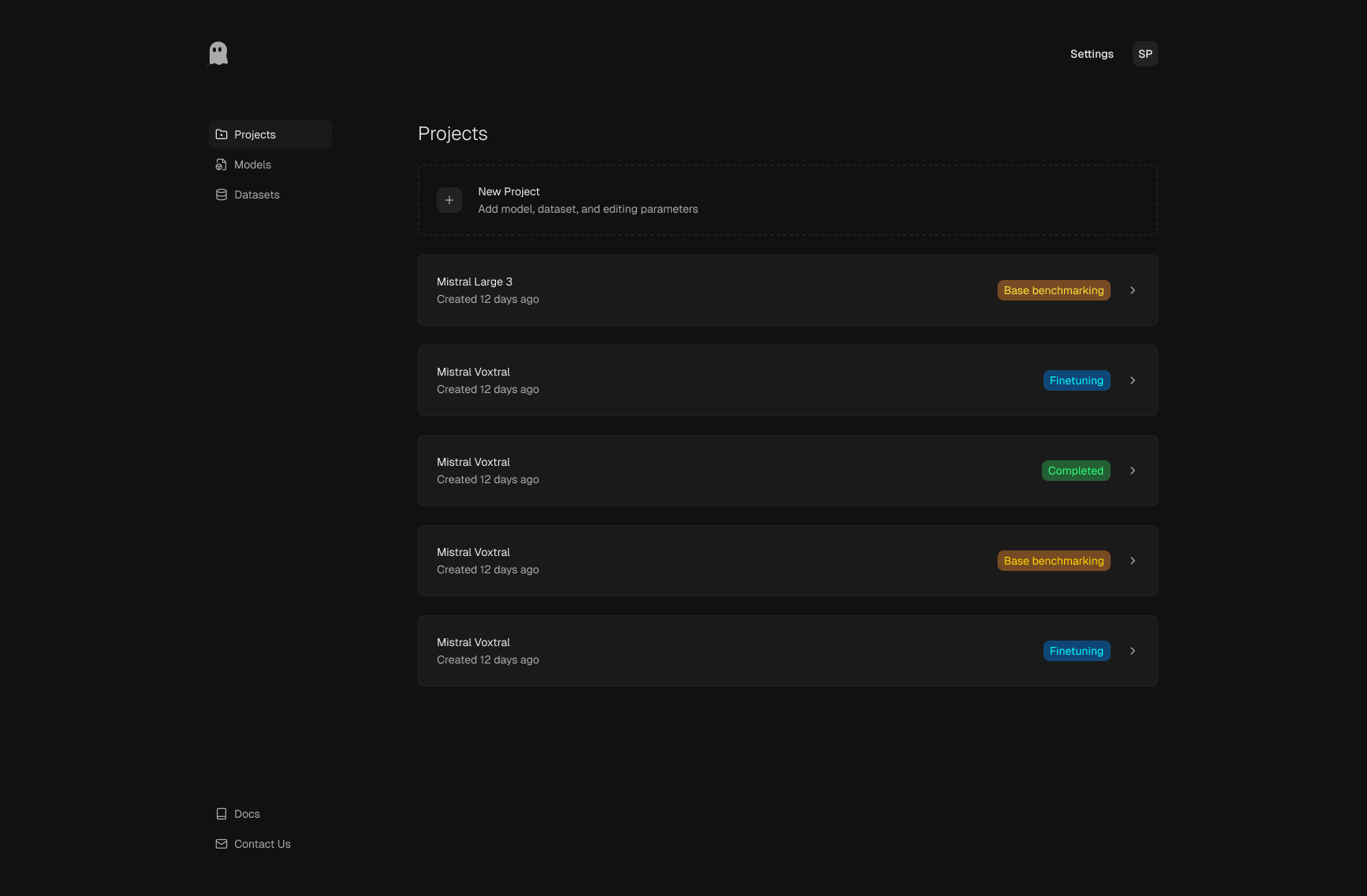
Projects list
This is the workspace overview where teams launch new runs and revisit
previous experiments. Status tags make progression visible from baseline
benchmarking to fine-tuning, so everyone can track where each model iteration
stands.
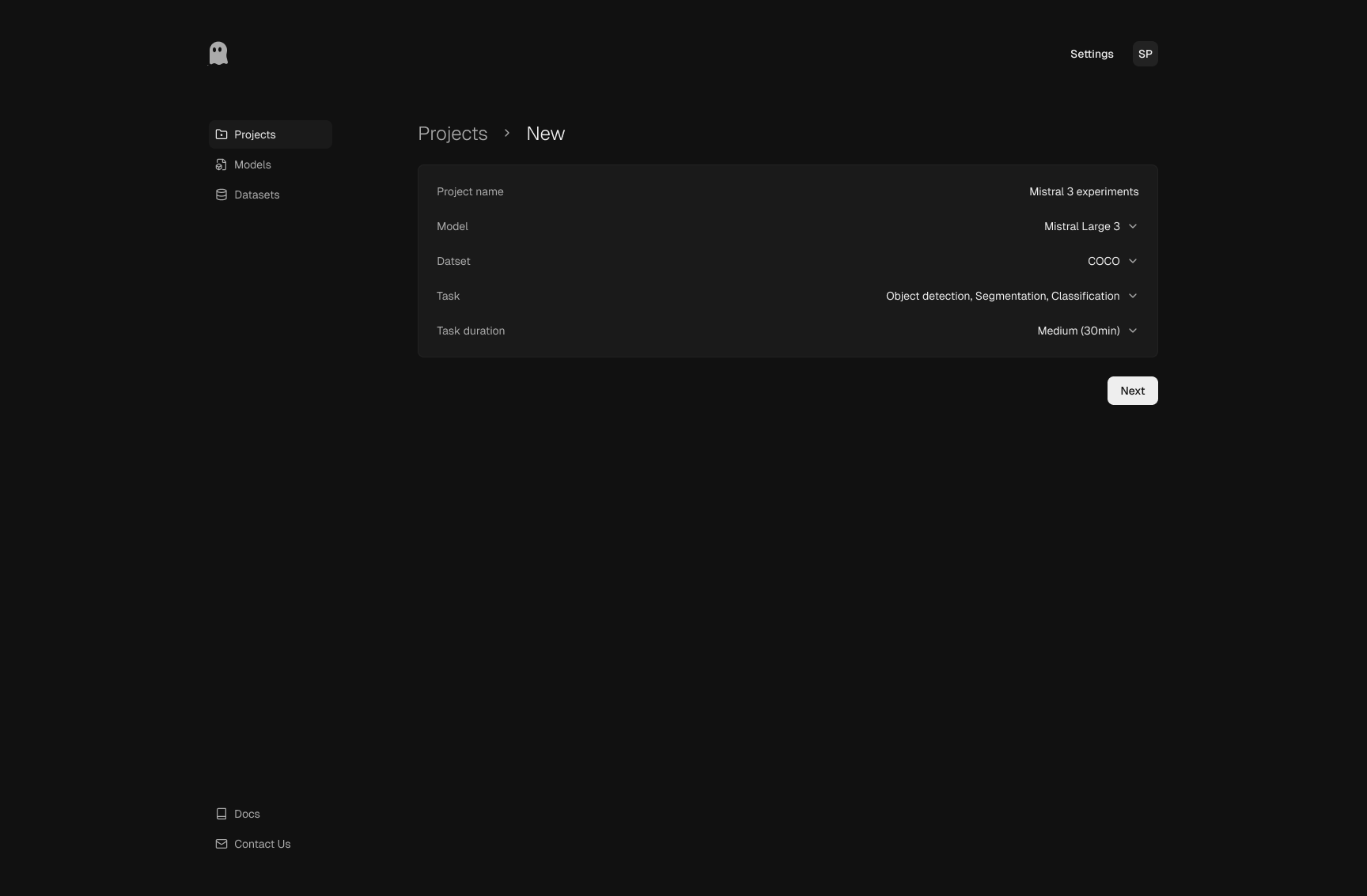
New project setup
Setup captures only the inputs needed to define a useful run: project
identity, model, dataset, task type, and duration. The structure keeps
setup fast while still making experimental scope explicit.
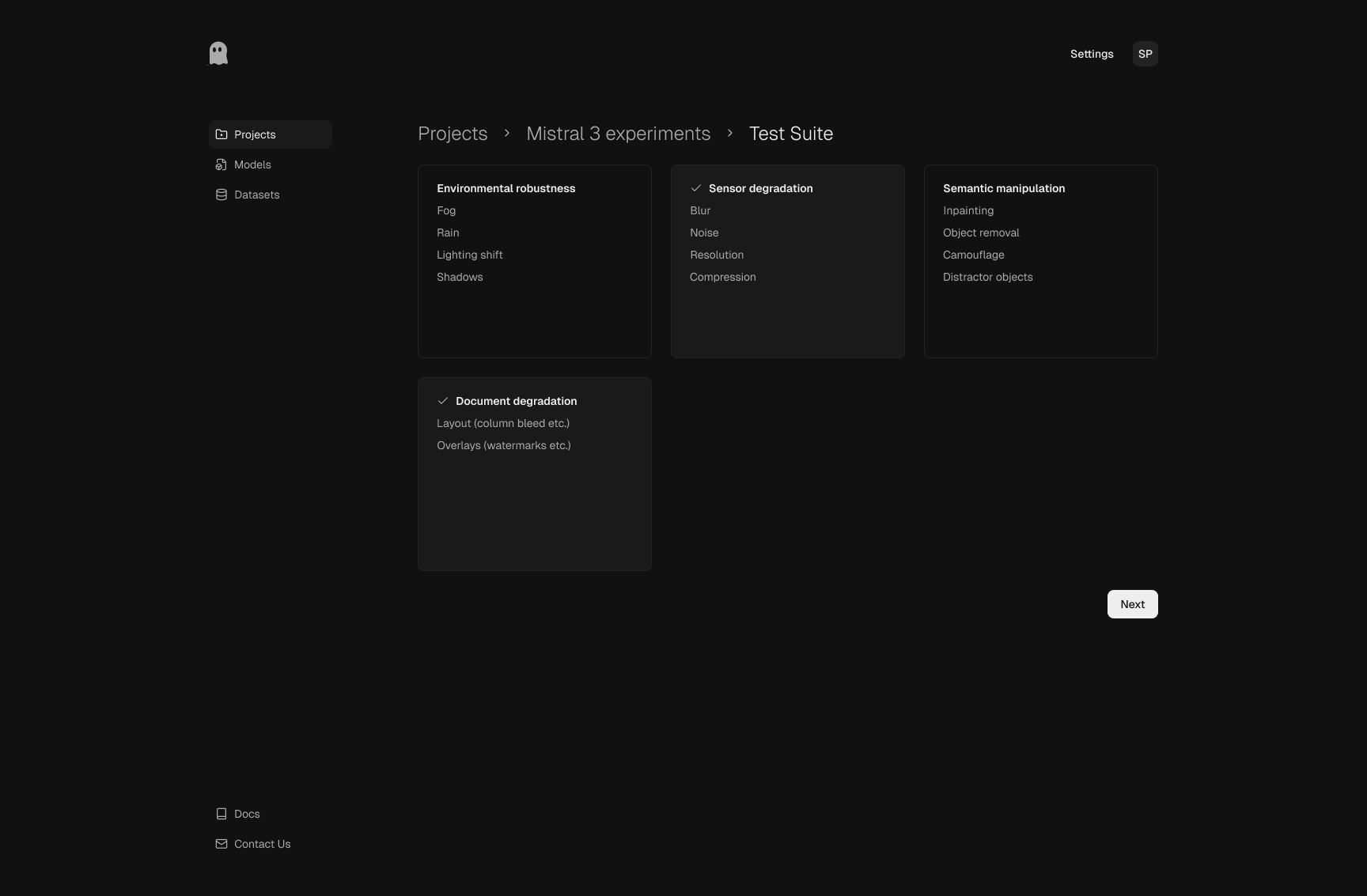
Test suite selection
Scenario categories are grouped by failure mode, including environment
changes, sensor degradation, semantic manipulations, and document-specific
damage. This organization encourages deliberate test design rather than
one-click black-box evaluation.
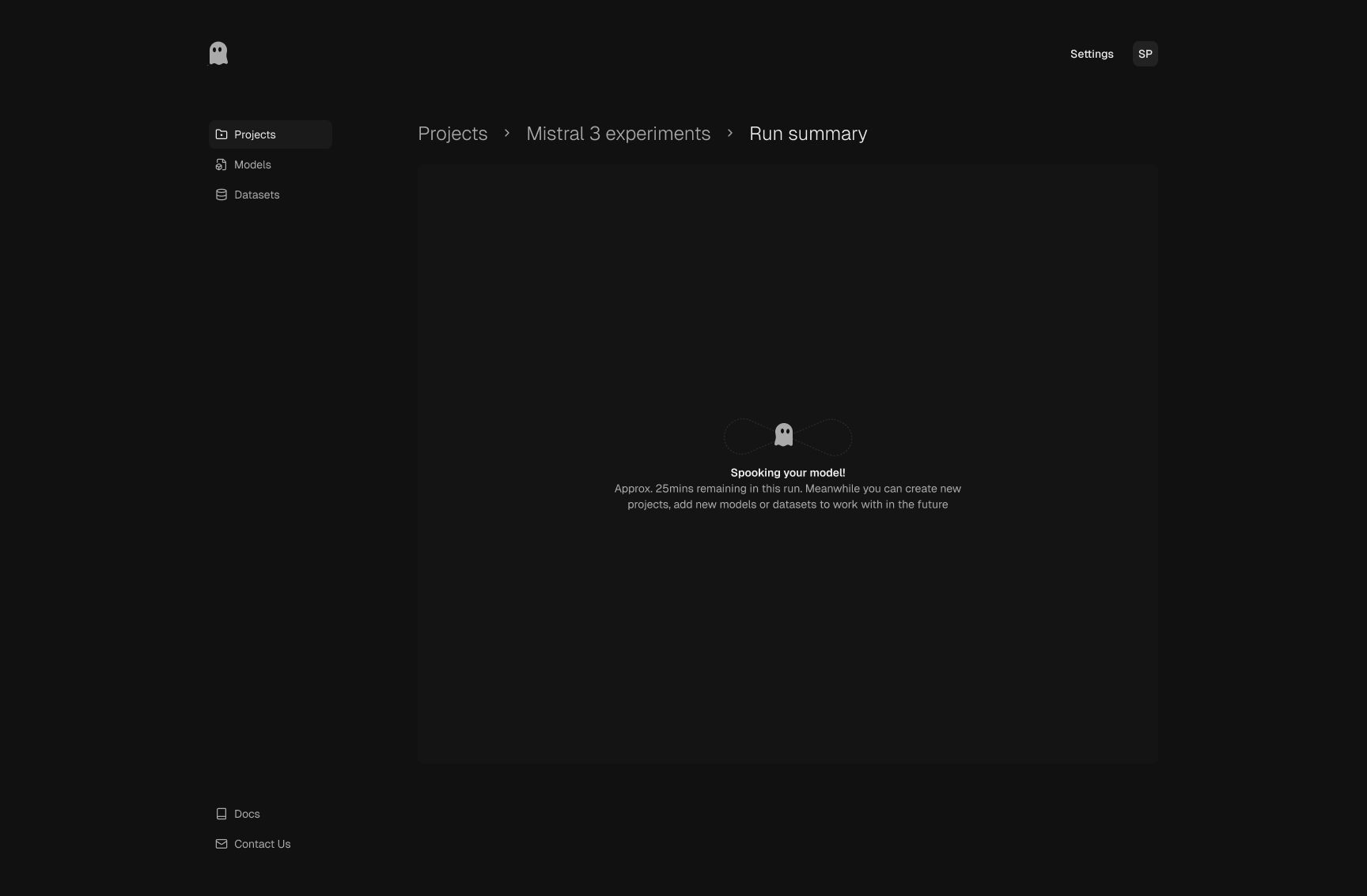
Run in progress
During execution, the UI keeps the team oriented with progress context
and estimated timing. The state is intentionally calm and informative,
so users understand that the system is actively generating and evaluating
scenarios.
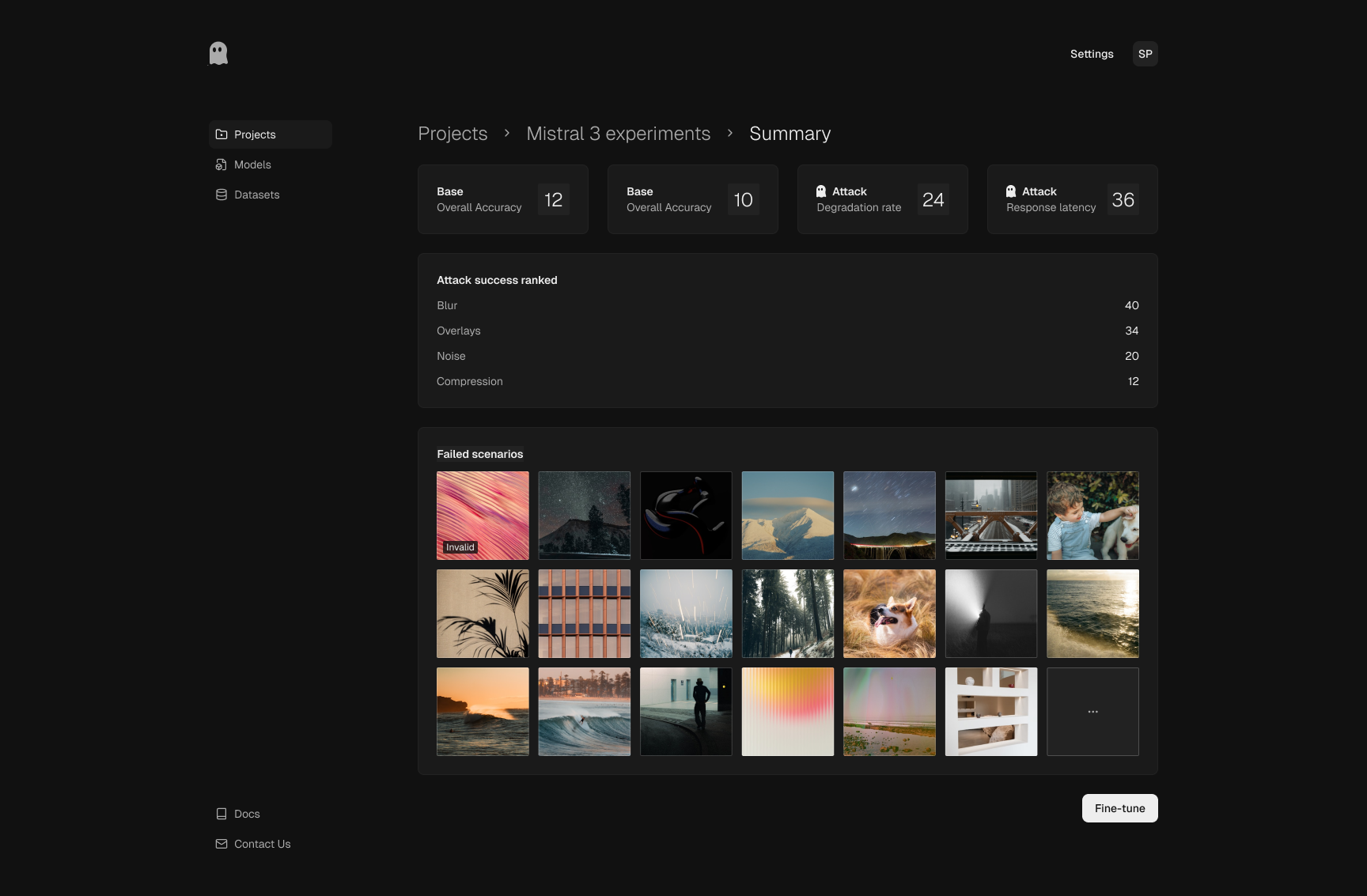
Run summary
Summary surfaces key outcomes first: baseline vs attacked performance,
degradation signals, and ranked attack categories. The failed-scenario
gallery then turns those metrics into concrete examples the team can use
for triage and retraining decisions.
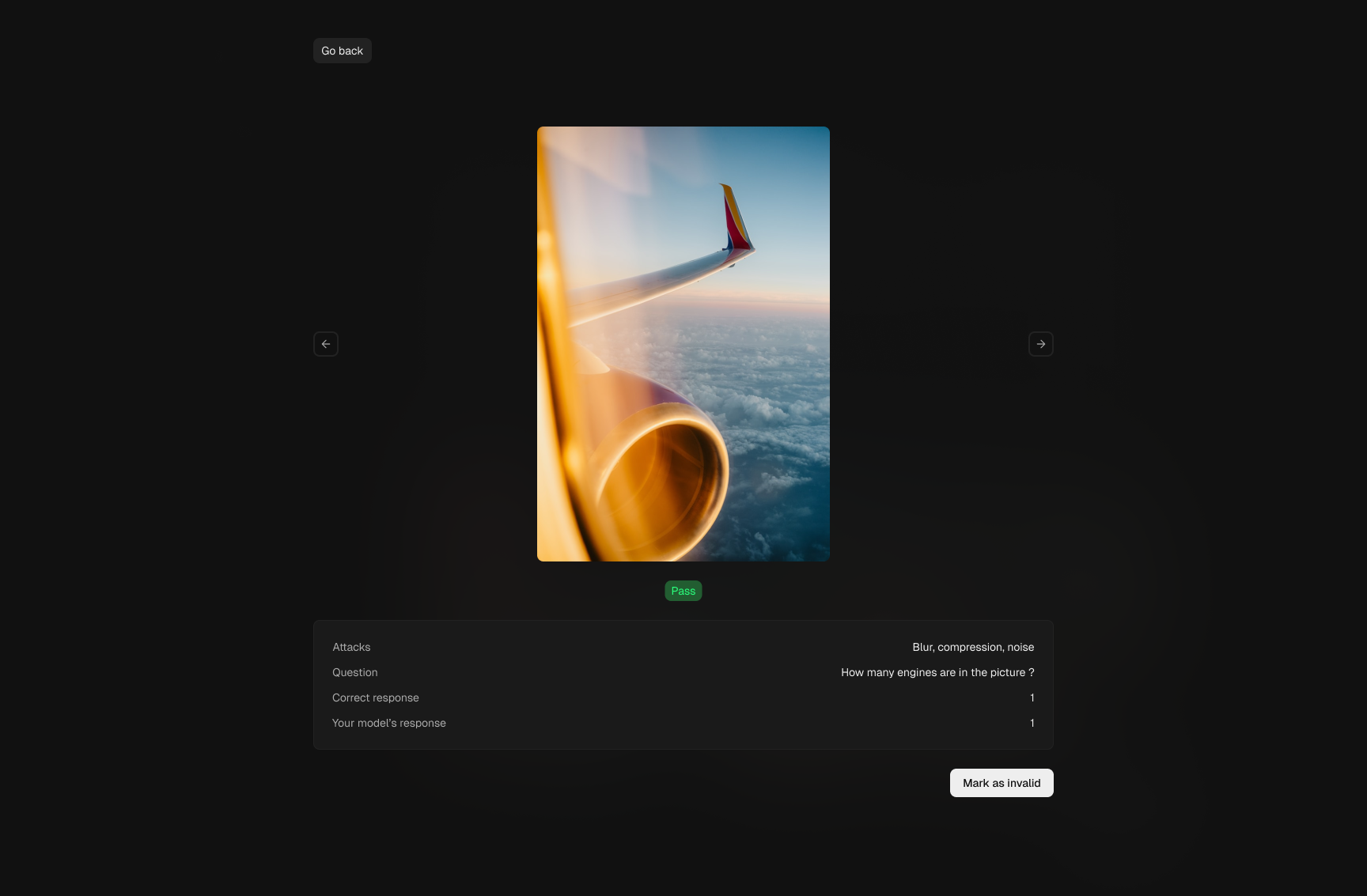
Scenario preview
The detail view supports human-in-the-loop review for each case: attack
type, prompt, expected response, and model output are shown together.
This makes validation actionable and helps teams separate meaningful vulnerabilities
from noisy or invalid samples.
Sparsh Paliwal · 2026